Televo IPTV, Premium UK & International Live TV Streaming
One plan, one price: £49 for 12 months. Televo IPTV gives you Xtream Codes API and M3U playlist access for use with the IPTV player app already on your Firestick, Smart TV, phone, or computer.

What Is Televo IPTV?
Televo IPTV is a premium IPTV subscription built around two things: UK and international live TV channels, and straightforward access however your player app expects it, Xtream Codes API login or a plain M3U playlist link. Instead of juggling multiple regional services, you get one subscription and one set of access details that a compatible IPTV player app turns into a working channel list.
The plan on this page is simple by design: £49 for a 12-month term, paid once, with no invented discounts or recurring surprises. You choose how to receive your access, Xtream Codes credentials for apps that support them, or an M3U playlist link for maximum device compatibility, and we're on hand for setup questions before and after you order.
Televo IPTV doesn't develop or own any IPTV player app. What we provide is subscription access designed to work with the popular third-party players people already use on their existing devices.
Why IPTV Users Need This Service
Reasons streamers choose a dedicated IPTV subscription over juggling separate regional apps and logins.
One subscription, UK & international
Access UK and international live TV through a single set of credentials instead of managing multiple regional accounts.
Works with your existing devices
No new hardware to buy, install a supported player app on the Firestick, Smart TV, or phone you already own.
Flexible access format
Take Xtream Codes login details for apps that support them, or an M3U playlist link for broader compatibility.
Simple, fixed pricing
£49 covers a full 12 months, paid once, no hidden add-ons at checkout.
Real support
Live chat, WhatsApp, and email are available for setup help and order questions.
Manual order review
A person checks every order rather than an automated system guessing at payment confirmation.
Understanding the Xtream Codes API
Xtream Codes is one of the most common formats IPTV subscriptions are delivered in. Rather than a static file, it's a live connection: you're given a server address, a username, and a password. Enter those three details into a player app that supports Xtream Codes logins, such as IPTV Smarters Pro, TiviMate, or XCIPTV Player, and the app connects to the panel to pull in your live channels, video-on-demand sections, and an electronic programme guide (EPG) automatically.
The main advantage of Xtream Codes is convenience: categories, channel logos, and programme guide data are typically organised for you, so setup is usually a matter of entering three fields once.
Understanding M3U Playlists
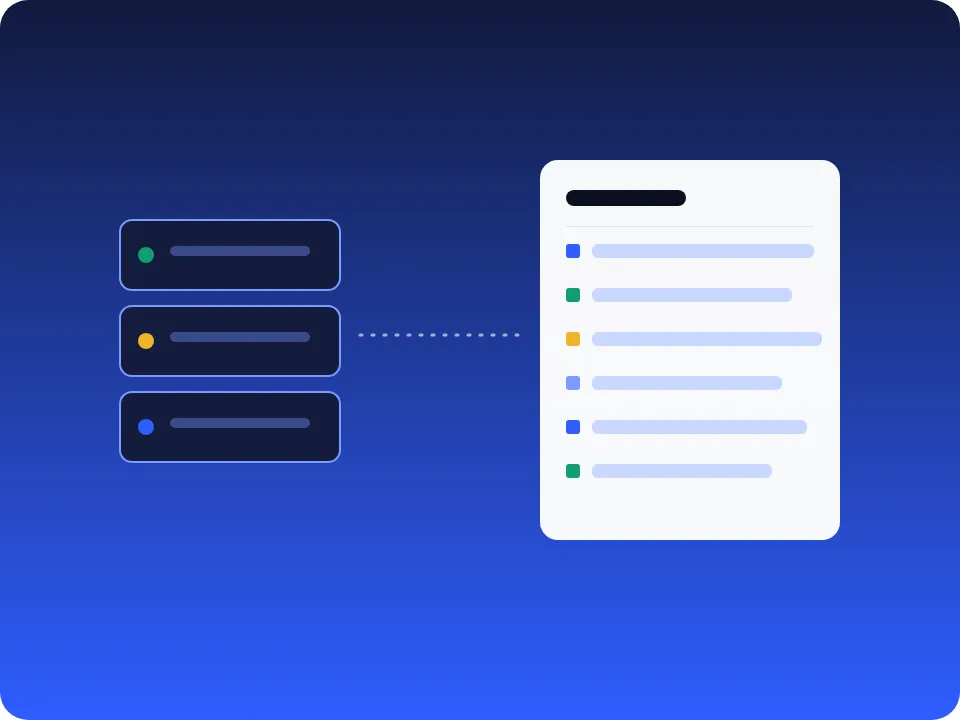
M3U is a simple, widely supported playlist file format. Instead of a live API login, you get a single M3U link, a plain-text list of streaming URLs. You paste that link into almost any IPTV player app, on almost any device, and the app reads the list to build your channel menu.
The trade-off compared to Xtream Codes is that M3U is a static list rather than a live panel connection, so some apps may require you to add EPG data separately. What you gain is compatibility: if a player app supports IPTV at all, it almost certainly supports M3U.
Televo IPTV provides both formats with every order, so you're not locked into one player app, use whichever access method matches the app on your device.
How to Use IPTV, Getting Started
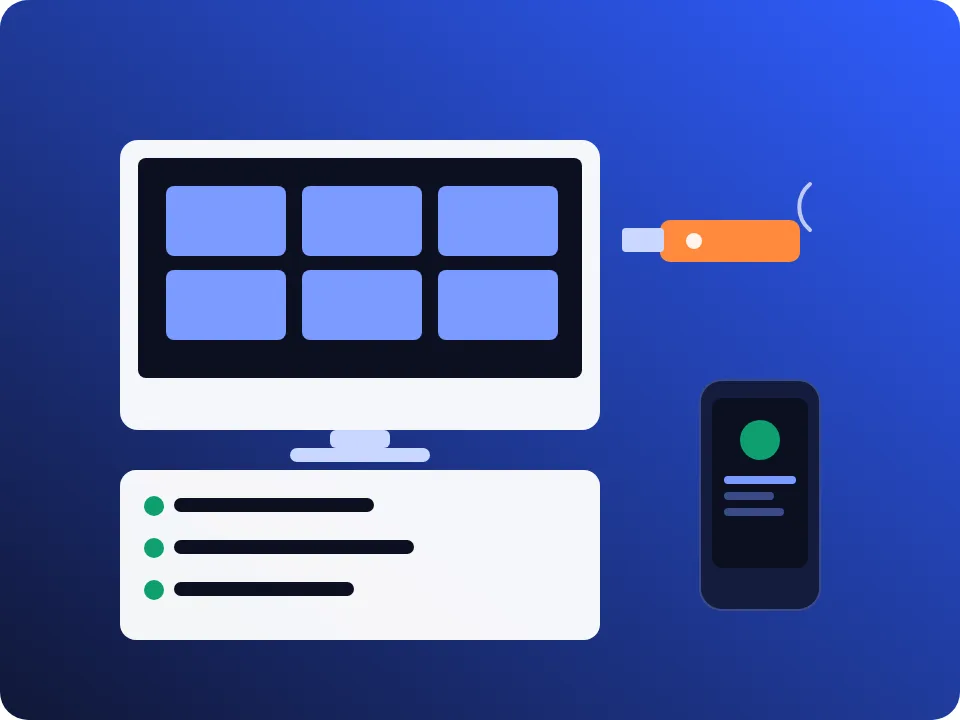
- Install a compatible IPTV player app on your device's app store, for example IPTV Smarters Pro, TiviMate, or GSE Smart IPTV.
- Open the app and choose your access method: enter your Xtream Codes server address, username, and password, or add your M3U playlist link.
- Let the app load your channel list, this can take a few moments the first time as categories and EPG data are pulled in.
- Start watching, and revisit the app's settings any time you need to update your access details.
Not every third-party app is available on every device, check your device's app store before ordering if you're unsure.
Plan & Pricing
One plan, clearly priced.
Televo IPTV
£49 / 12 Months
Xtream Codes API and M3U playlist access included. One-time payment, no recurring charge.
Order NowHow to Order & Pay
Payments are reviewed manually, nothing here auto-verifies a crypto payment.
Send £49 (or equivalent)
Use USDT, Bitcoin, or arrange card/PayPal via chat, below.
Send us your reference
Share your transaction ID or payment reference via WhatsApp, email, or chat.
We review manually
A person checks the payment against your message.
Get your access details
We send your Xtream Codes login and M3U link once confirmed.
USDT, Tron (TRC20)
TDBJFGpK6xnkg1NfmQpSpVWmgHHRPGWkSQ
Network: TRC20 / Tron · Asset: USDT
Bitcoin (BTC)
18zdQmWdZyyzyvqWj4MQAqsL74nWHwF6U7
Card / PayPal
Card and PayPal payments are arranged directly through live chat, we don't process card details on this page.
Chat for Card or PayPal PaymentTelevo IPTV FAQ
What is Xtream Codes API?
Xtream Codes is a widely used IPTV panel format. Instead of a plain playlist file, you get a server address, username, and password. Many IPTV player apps accept these three details directly, then automatically pull in your live channel list, video-on-demand categories, and electronic programme guide (EPG) in one step.
What is an M3U playlist?
M3U is a plain-text playlist file format that lists streaming URLs. You add the M3U link (or upload the file) to a compatible IPTV player, and the app reads the list to build your channel menu. M3U is supported by almost every IPTV player on almost every platform, making it the most universal option.
Should I use Xtream Codes or M3U?
It depends on your player app. If your app has a dedicated "Xtream Codes login" option, that route is usually faster to set up and includes EPG automatically. If your app only supports playlists, or you want maximum compatibility across devices, use the M3U link instead. Televo IPTV provides both, so you can pick whichever your app supports.
Which devices work with Televo IPTV?
Televo IPTV is designed to work with commonly used streaming devices, including Amazon Fire TV Stick, Android TV, Google TV, Samsung and LG Smart TVs, Apple TV, NVIDIA Shield, MAG boxes, Android and iOS phones/tablets, and Windows or Mac computers, provided you install a supported IPTV player app.
How do I pay, and how fast is activation?
Send USDT (TRC20) or Bitcoin to the addresses on this page, or message us to arrange card/PayPal. Payments are reviewed manually rather than auto-verified, so send us your payment reference via WhatsApp, email, or live chat after paying, we'll confirm and send your Xtream Codes / M3U access details once reviewed.
Is this a recurring subscription?
The listed plan is a single one-time payment of £49 for 12 months of access, not an automatically recurring charge.
Looking for a broader comparison of UK IPTV options? See our IPTV UK page, or compare our main U.S.-focused plans on IPTV Subscription.
Ready to Order Televo IPTV?
£49 for 12 months, Xtream Codes API and M3U playlist access included.